Download Reels, Stories, Videos & More with Our Social Media Downloader
Save your favorite Instagram Reels, Facebook videos, Twitter (X) posts
and videos, Pinterest videos, Snapchat Stories, TikTok videos, Photos,
and MP3 audio with our fast browser-based downloader.
No software installation
required.
Public content only. We never keep a copy of your downloads.

Simple URL-based downloading

No account or login required
Works on phones, tablets & computers

No subscription or payment required
Find Your Tool
Explore Our Social Media Download Tools
Choose a platform below and explore the available options for saving its supported media.
Instagram Downloader
Download Instagram Reels, videos, photos, Stories and Highlights. The tool covers a range of visual content shared through Instagram profiles and posts.
Instagram Video Downloader →X (Twitter) Downloader
Download videos, GIFs and images shared in X posts. The tool supports different types of visual media found across public posts on X.
X Video Downloader →Facebook Video Downloader
Download Facebook videos, Reels and photos. Access different types of media shared publicly across Facebook.
Facebook Video Downloader →Pinterest Downloader
Download images and videos from Pinterest. The tool is designed for the visual content commonly shared through Pinterest boards and Pins.
Pinterest Video Downloader →Snapchat Downloader
Save public Snapchat Spotlight videos, Public Profile Stories and photo Snaps. Friends-only Stories are not published to the web and cannot be saved.
Snapchat Story Downloader →TikTok Downloader
Download public TikTok videos with the watermark or without it, save each image from a photo slideshow, or keep just the sound as an MP3.
TikTok Video Downloader →
MP3 Audio Downloader
Extract audio from eligible video content and save it as an MP3 file. This tool is focused specifically on creating an audio version of supported videos.
MP3 Downloader →WHY STATUS DOWNLOADER
What Makes StatusDownloader Different?
A simple approach to downloading supported social media content, with a focus on convenience, accessibility and a straightforward user experience.

Multiple Platforms
Access download tools for several popular social media platforms from one website, instead of searching for a separate service for each platform.
No Installation Required
Use StatusDownloader directly from your web browser without installing a separate application, extension or desktop program.

Privacy-Focused Approach
You can use the basic downloader tools without creating a StatusDownloader account. We aim to keep the service focused on the download experience without asking for unnecessary personal information.
Works Across Devices
Use StatusDownloader on your phone, tablet or computer. The responsive interface adapts to different screen sizes for a consistent experience.

Simple User Experience
The interface keeps the download process straightforward, with clear controls and options that are easy to understand.

Free and Accessible
The core downloader tools are available without a subscription, making them accessible when you need to save supported social media content.
No Watermarks
StatusDownloader does not stamp a logo or badge onto anything you save. This is a social media downloader, not a watermark remover, so the file arrives as the platform serves it and a watermark the creator burned into the original stays part of it.
Anonymous Downloads
We do not notify account owners when their public content is downloaded via third-party tools. No tool here asks you to sign in, and none of them keeps a download history.
Device Support
Download on the Device You Already Use
StatusDownloader supports a wide range of devices, including smartphones, tablets, laptops and desktop computers. The interface adapts to different screen sizes to provide a consistent experience across devices.

Android Phones
Access StatusDownloader from Android smartphones or tablets using popular browsers like Chrome, Firefox, Opera, Samsung Internet and others. The responsive interface is designed to work smoothly across different Android screen sizes.
iPhone & iPad
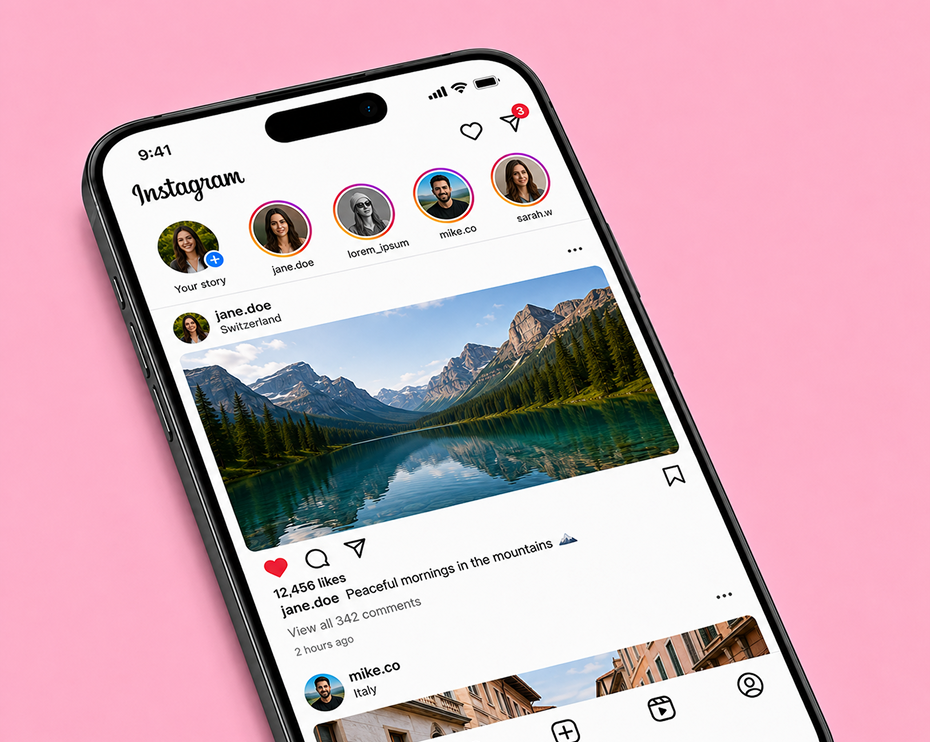
Use StatusDownloader on iPhone and iPad through Safari, Chrome or other compatible browsers. The interface adapts to different iPhone and iPad screen sizes for a consistent experience.

Windows Devices
StatusDownloader works on Windows laptops and desktop computers through modern web browsers, with a layout suited to different screen sizes.

Mac Devices
Access StatusDownloader on MacBook, iMac and other Mac computers using modern browsers such as Safari, Chrome or Firefox.
SUPPORTED CONTENT TYPES
What Can You Download?
Download different types of publicly accessible media from social sites, with availability depending on the platform and the original post.
Reels & Short Videos
Download short-form video content such as reels, shorts and other short videos when publicly accessible.
Stories & Highlights
Download publicly accessible Stories and Highlights when they are available through the relevant downloader. Stories are temporary, while Highlights can remain available for longer.
Photos & Images
Download photos and images shared across supported social media content. The available format, size and quality can vary depending on the original media.
Videos
Download video content shared through social media posts and pages. This includes a variety of standard and long-form videos across the platforms covered by our tools.
GIFs & Animated Media
Download GIFs and other animated visual content shared through platforms that support these formats.
MP3 Audio
Extract audio from eligible video content and save it as an MP3 file when the audio option is available. Only use downloaded audio when you have the necessary rights or permission.
PRIVACY & RESPONSIBLE USE
Simple, Respectful and Responsible Downloading
StatusDownloader is designed to make downloading straightforward while encouraging responsible use of online content. We respect user privacy, content ownership and the rules of the platforms where content is shared.
Respect Content Ownership
Downloading a photo, video or audio file does not automatically give you permission to reuse it. Make sure you have the necessary rights before sharing, modifying, publishing or using someone else’s content.
Respect Platform Rules
Content availability and downloading can depend on the platform where it is hosted. Users should follow applicable platform terms and respect the privacy and preferences of content creators.
HELP & FAQ
Answers to Common Questions
Answers to common questions about which platforms are supported, what can be downloaded, and where your files end up.
What is StatusDownloader?
StatusDownloader is a browser-based service that provides download tools for content from several popular social media platforms. Choose the relevant downloader, enter a supported link and access the available download options directly from your browser.
Do I need to install an app or extension?
No. StatusDownloader works through a modern web browser, so you don’t need to install a separate application, browser extension or desktop program to use the basic download tools.
Can I download private or restricted content?
Our downloaders are primarily intended for publicly accessible content. Private, deleted, restricted or login-protected content may not be available, and availability can change if the original post or media is no longer accessible.
What download quality is available?
Available quality and file options depend on the original content and the source platform. When multiple options are available, the downloader will show the formats or qualities that can be provided for that particular link.
Where are my downloaded files saved?
Files are normally saved according to your browser and device settings. On Android, they are usually found in the Downloads folder in the Files or file manager app. On iPhone and iPad, downloads are normally available in the Downloads folder in the Files app, often under iCloud Drive or On My iPhone/iPad depending on your Safari settings. On Windows, macOS and Linux, downloaded files are usually saved in your browser’s Downloads folder. You can change the download location through your browser settings.
Is it legal to download social media content?
The ability to download content does not automatically give you permission to reuse it. Copyright, privacy and platform rules can apply to videos, photos, audio and other media. Only download or reuse content when you have the necessary rights or permission, and follow the applicable platform terms.
READY TO DOWNLOAD?
Start Downloading Your Favourite Content Today
Explore StatusDownloader's collection of social media downloading
tools for videos, stories, reels, Shorts, photos, and audio from
popular social media platforms.
Choose your preferred downloader and start downloading in just a few
clicks.