YouTube Video Downloader
Save publicly accessible YouTube videos, Shorts, podcasts and individual videos from playlists to your device in the available video format. Choose your preferred quality before downloading and watch the file offline without installing any software.
For personal use. Please respect creators and copyright.
Step by Step
Download YouTube Videos in 3 Simple Steps
Here's exactly what happens when you use this tool. There are three straightforward steps, whether you're saving a quick Short or a longer video. No guesswork about what to click next. Just follow along below.
Copy the Link
In the YouTube app, tap Share under the video. Then tap Copy link. On a Short, Share is on the right side.
In the YouTube app, tap Share under the video. Then tap Copy link.
Copy the web address from the top of your browser. Or click Share under the video, then Copy.
Works with: videos, Shorts, playlists and channels.
Paste It Here
Paste the link in the box at the top of this page. Then press Preview. The video comes up with a list of sizes to pick from.
No link?
Type what you are looking for instead, then
press Preview. You get a list of videos. Press Open on the one you want.
Playlists come as a set
Every video in it gets its own
Download button, and one button saves them all together.
Pick a Size and Save
Pick the size you want. Press Download Video for the video, or Download Audio (MP3) for the sound only. Big sizes take a little longer, and the button counts up while it works.
The file goes to your Downloads. Tap the notice at the top of your screen to open it.
Safari asks you once. The file goes to the Files app. To put a video in Photos, open it, tap Share, then Save Video.
The file goes to your Downloads folder.
About YouTube Downloader
What a YouTube Video Downloader Is and How It Helps
YouTube is built mainly as a streaming platform, so watching a video normally depends on having access to the platform and a reliable internet connection. While official offline options are available in some situations, they don't provide the same kind of local file access for every video, device, or circumstance.
A YouTube Video Downloader is a browser-based tool that lets you save publicly accessible YouTube content as a file on your phone, tablet or computer. Once saved, the file can be accessed directly from your device rather than requiring you to return to the original page every time.
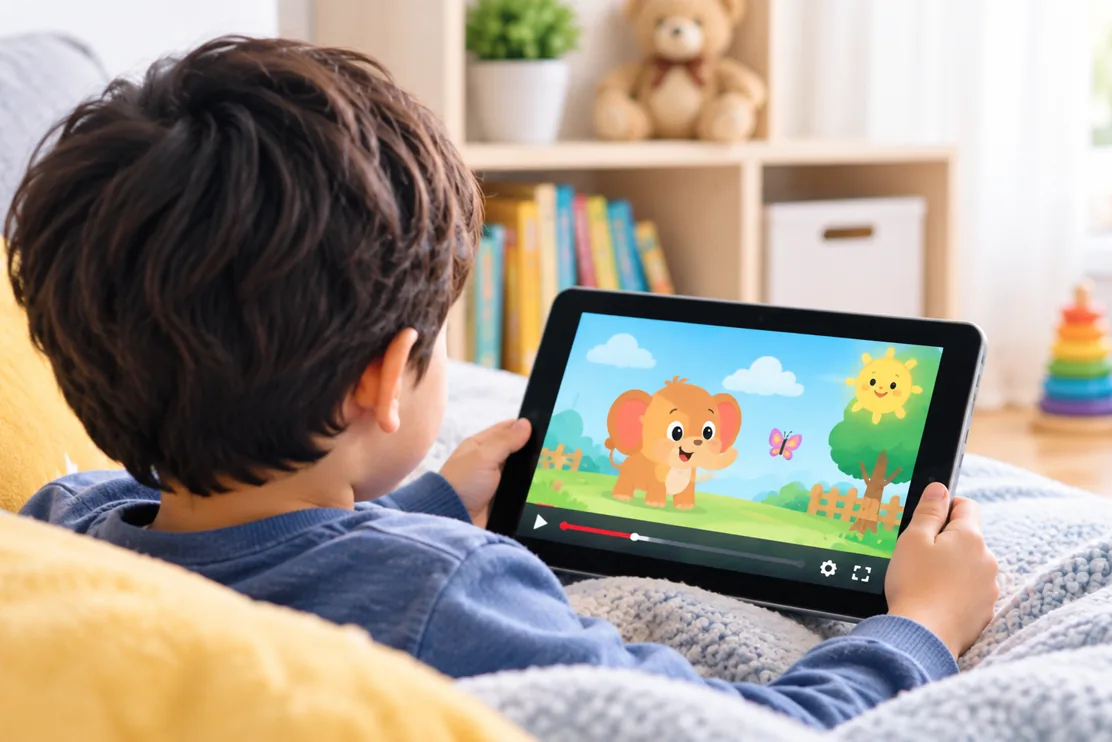
This includes supported YouTube Kids videos as well, such as children's shows, learning videos and other kid-friendly content available through compatible YouTube URLs.
This can be useful when you're travelling, dealing with an unreliable connection, or simply want to keep something useful available for later. A tutorial you're following, a lesson you want to revisit, or another useful video can be easier to access when you don't have to rely on a live internet connection.
YouTube content can also change over time. A creator may delete a video, make it private, or remove it from their channel. Search results and recommendations can change too, so something that was easy to find today may be harder to locate later.
For content you're permitted to save, keeping a local copy gives you another way to revisit it. StatusDownloader provides a simple way to process publicly accessible YouTube links directly from your browser. Paste a link, choose from the available download options, and save the resulting file to your device without installing additional software.
Supported Content
Everything You Can Download From YouTube
YouTube offers several ways to publish and organize video content. StatusDownloader can process publicly accessible links for the content types below, with the available download options depending on the original YouTube upload.
YouTube Videos
Standard YouTube uploads ranging from short clips to long-form videos. Paste the video link to view the available download options.
YouTube Shorts
Short-form vertical videos created for quick viewing and discovery. A Short can be saved as a video file when its link can be processed.
YouTube Playlists
A playlist is a collection of individual videos rather than one downloadable file. You can open a supported playlist and download the individual videos you want instead of downloading the entire playlist at once.
Live Stream Replays
Completed live broadcasts can remain available on a channel as recorded videos. Once the live session has ended and the replay is available, you can process the recording like other downloadable videos.
Use Cases
Popular Reasons People Save YouTube Content
Not every YouTube video is something people watch once and forget. Some are useful references, lessons, routines or resources that viewers want to return to without searching for the same video again.
Study & Learning
Save lessons, lectures, coding tutorials, language classes and course material so you can revisit a particular topic whenever you need it.
Music & Performances
Music videos, live performances, concerts, covers and other musical content are often worth keeping for later viewing.
Entertainment & Inspiration
From documentaries and creative videos to comedy and memorable creator content, keep the videos you genuinely want to watch again.
Fitness & Workouts
Save workout routines, yoga sessions, exercise demonstrations and training programs to follow at your own pace.
Sports
Keep match highlights, game analysis, training techniques and other sports content you want to revisit or study more closely.
Gaming
Save game guides, walkthroughs, strategy videos and tutorials when you need help with a difficult level or want to learn a particular technique.
Cooking & Recipes
Keep recipes, cooking demonstrations and step-by-step food tutorials handy while preparing a meal or trying something new.
Travel & Vlogs
Destination guides, city tours, travel vlogs, hotel reviews, itinerary ideas and travel tips can help when researching or planning a trip.
Podcasts & Interviews
Save interesting conversations, expert interviews, panel discussions and long-form episodes that you want to revisit or share later.
YouTube Kids
Save Public YouTube Kids
Videos for Later
Some YouTube videos are made specifically for children, from educational lessons and nursery rhymes to stories, crafts and other family-friendly content. When a publicly accessible video is supported, StatusDownloader can help you save a copy to your device for later viewing.
This can be useful for parents who want to keep a particular educational video, activity or children's program available when an internet connection isn't reliable. Instead of searching for the same video again, you can keep the downloaded file on your device and access it when needed.
StatusDownloader does not require access to a child's YouTube account or private content. The downloader works with publicly accessible YouTube URLs, so videos that require a sign-in, are private, or are otherwise restricted may not be available.
Help Center
Troubleshooting Common YouTube Download Issues
Most download issues come down to a few root causes: a link that didn't copy properly, a video that's no longer available, or a resolution that isn't offered for that particular upload. Here's how to work through the most common ones, whether you're saving a full video, a Short, or a podcast episode.
YouTube Link Not Working
Verify that the YouTube URL was copied correctly from the browser or YouTube app. Videos and Shorts that can be accessed normally can generally be processed when the correct link is submitted.
Video Not Available
The video may have been removed, deleted, made private or restricted by the creator. Content that is no longer available for normal viewing cannot be processed.
Podcast Download Issues
Some podcast episodes may be unavailable because of content restrictions, regional availability or changes to the original upload. Check that the episode still opens normally on YouTube and try submitting the link again.
Mobile Browser Problems
An outdated browser or blocked download permission can interfere with file downloads. Keep your browser updated and check that downloads are allowed. Chrome, Safari, Firefox and Edge generally provide a good experience.
Download Not Starting
Refresh the page, paste the URL again and retry. Temporary connection problems, browser settings or an issue with the submitted link can sometimes prevent the download from starting.
Limited Quality Options Showing
Some videos show only one or two resolution choices instead of a wider range, such as 360p rather than 1080p or higher. This isn't necessarily a problem with the downloader. The available options depend on the resolutions and formats provided for that particular YouTube upload. If a higher resolution isn't available for the original video, it cannot be selected during download.
FAQ
Frequently Asked Questions
Common questions about what you can actually download from YouTube, how the process works, and what to do if something doesn't go as expected.
Do I need a YouTube account?
No. StatusDownloader does not require you to sign in with a YouTube account or create a separate account. Copy the URL of the video you want to process, paste it into the downloader and start the download directly from your browser.
Is there a download limit?
There is no cap on how many videos you can save in total, but requests are rate limited so the service stays usable for everyone. The ceiling is roughly 50 API requests per five minutes from one IP address. Ordinary use stays well under that. If you do hit it, you get Too many requests from this IP, please try again after 5 minutes. and can carry on once the window passes.
Can I choose the video quality before downloading?
Yes. When multiple quality options are available, you can choose the resolution you want before downloading. The choices depend on the formats and resolutions available for the original YouTube upload, so some videos may offer more options than others.
Can I download age-restricted YouTube videos?
No. Age-restricted videos require a signed-in YouTube account to view, so they fall outside the content that StatusDownloader can process. The downloader works with videos that can be accessed without an account.
Does this work with YouTube Live streams?
Completed Live streams can be processed after the broadcast has ended and YouTube has made the recording available as a regular video. An active stream cannot be downloaded as a completed video while it is still live.
Can I download unlisted YouTube videos?
An unlisted video may be available for processing when you have its direct URL and the video can be accessed through that link. Unlisted does not mean private, but access can still depend on the video's current availability and restrictions.
Can I download YouTube videos in 4K?
If a video was uploaded in 4K and that resolution is available for processing, 4K may appear among the download options. The available quality always depends on the original upload and the formats provided for that particular video.
What happens with region-restricted YouTube content?
Videos that are unavailable in your region may not be possible to process. If YouTube prevents the content from being viewed from your location, the downloader may not be able to retrieve it either.
Do downloaded videos include captions or subtitles?
No. YouTube captions and subtitles are generally provided separately from the video stream rather than permanently embedded into the downloaded video. If you need captions in the final file, they would need to be added separately.
WATCH IT WITHOUT A CONNECTION
Ready to Download a YouTube Video?
Paste a link from any public YouTube video, Short or podcast episode above, pick your quality, and your download is ready in moments.